How to Export a Customer List
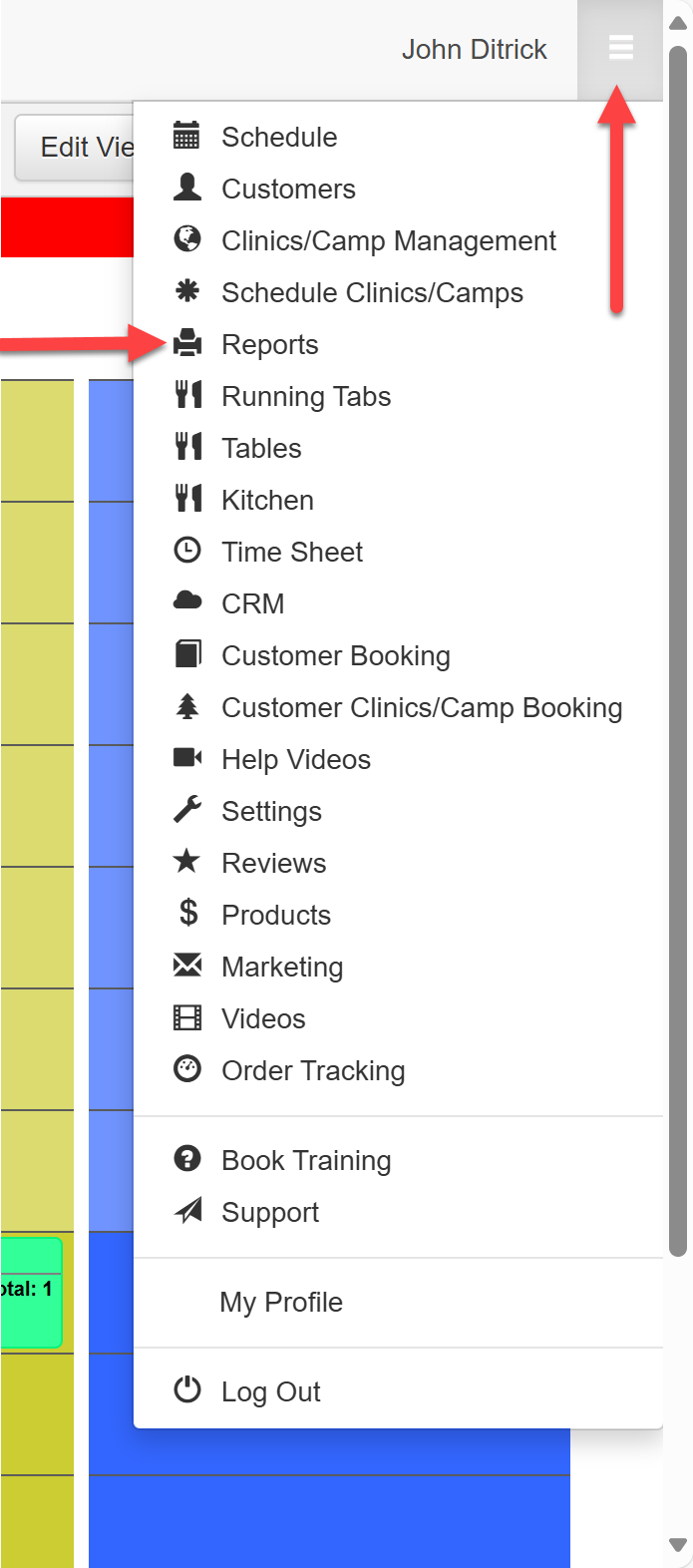
To export your customer list with contact information, navigate to the 'Reports' section from the menu in the top right corner, and click on Reports:
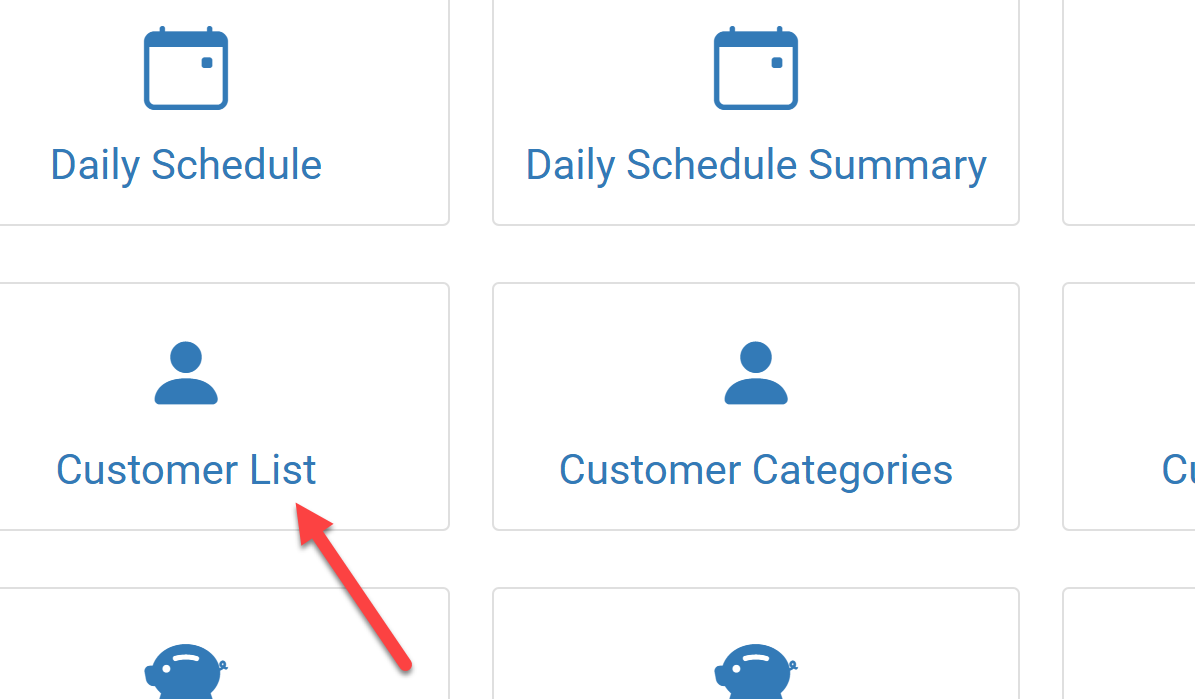
Click on the Customer List report:
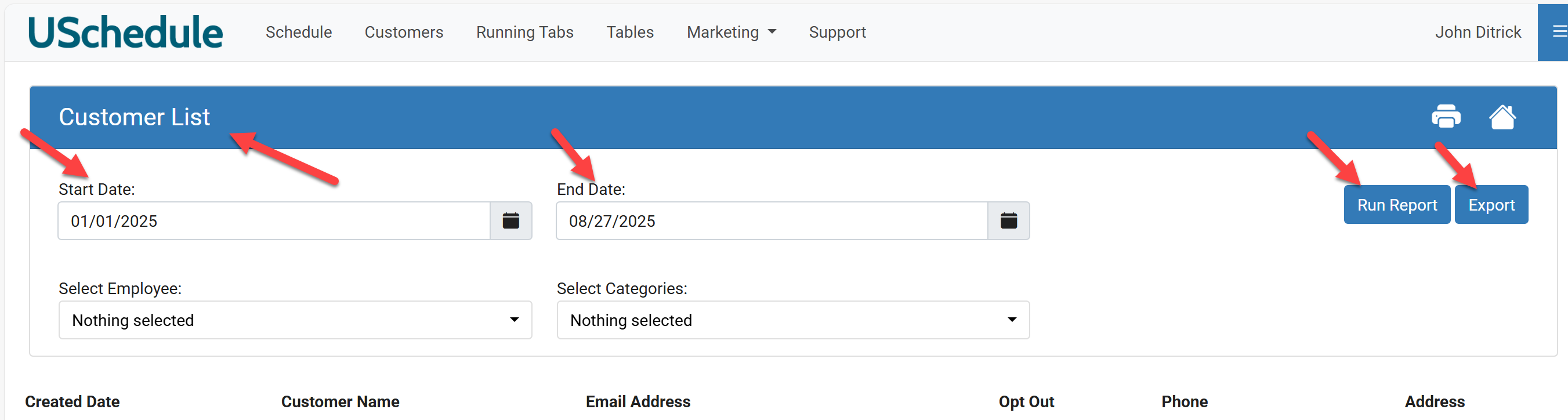
Enter the Start Date and the End Date, then click Run Report. When the Customer List populates, click Export to download the list as an Excel file.