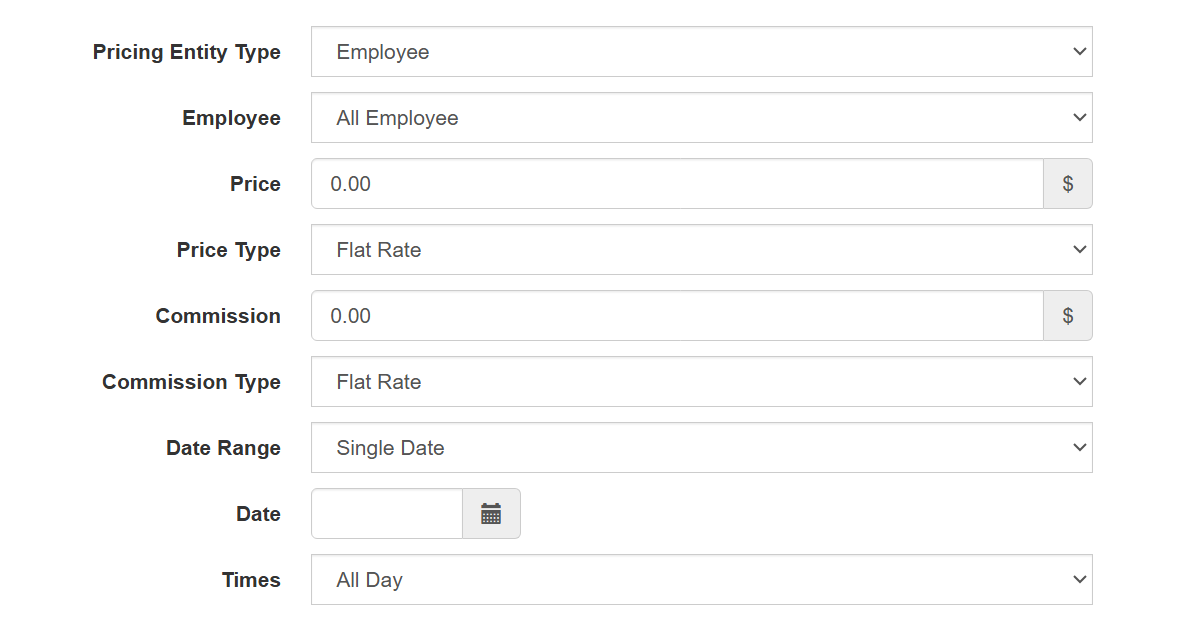
How to Edit the Pricing of Service for Single Date
To edit the pricing of your services for a single date, navigate to Services > Edit > Pricing > Add New. Enter all the required parameters, then change the Date Range dropdown to Single Date and select the date you want to apply the special pricing.