How to Change the Price of a Membership for a Customer
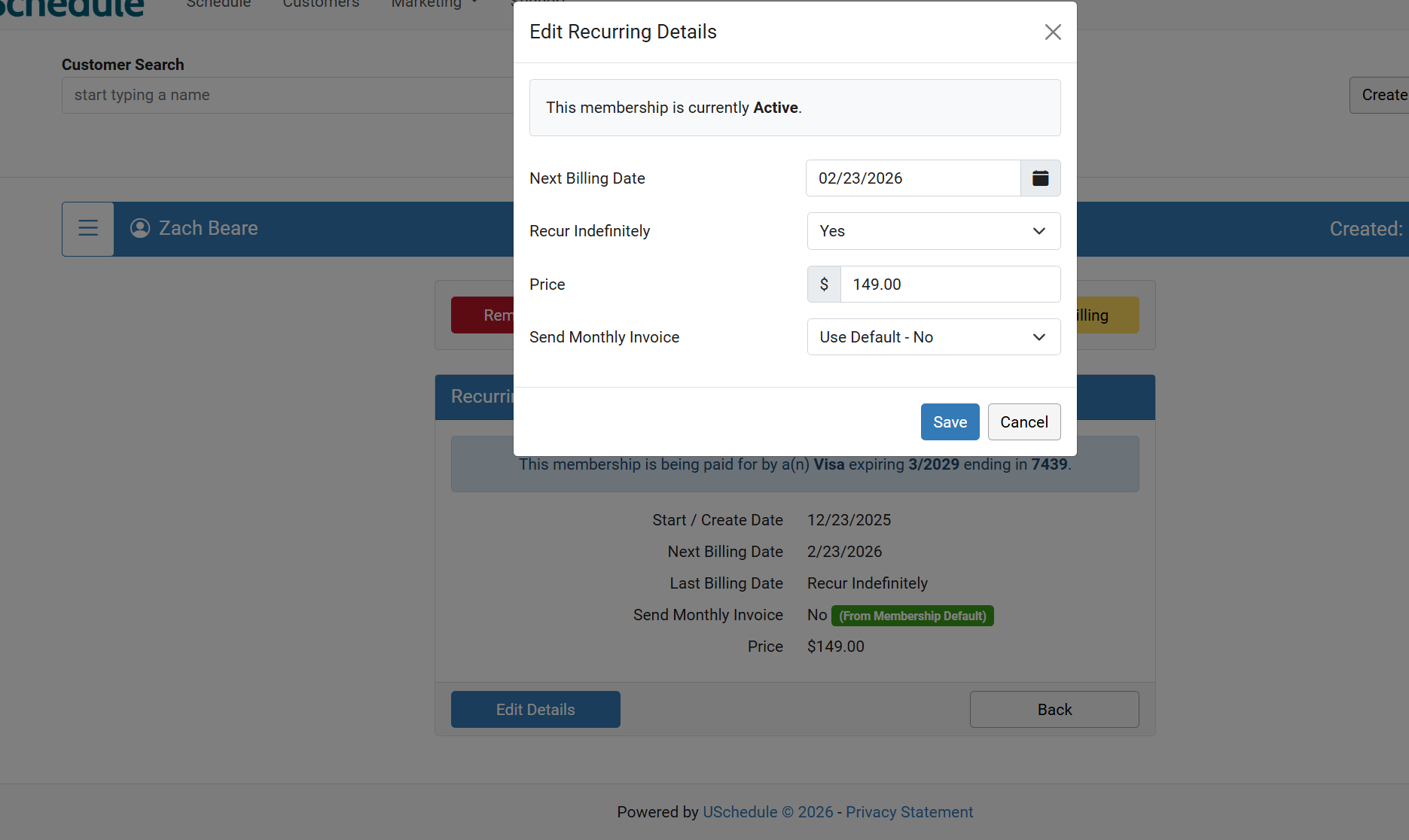
To change the price of a membership for a specific customer, navigate to the customer’s profile and select the Memberships tab. From there, click Manage Billing, then Edit Details. Update the membership price and click Save.
Going forward, this will be the price the customer is charged for their membership.